Sports Photography Media Day Software for Windows
Sports photography Media Day software is most valuable when it shortens the repetitive production work after the portraits are already shot.
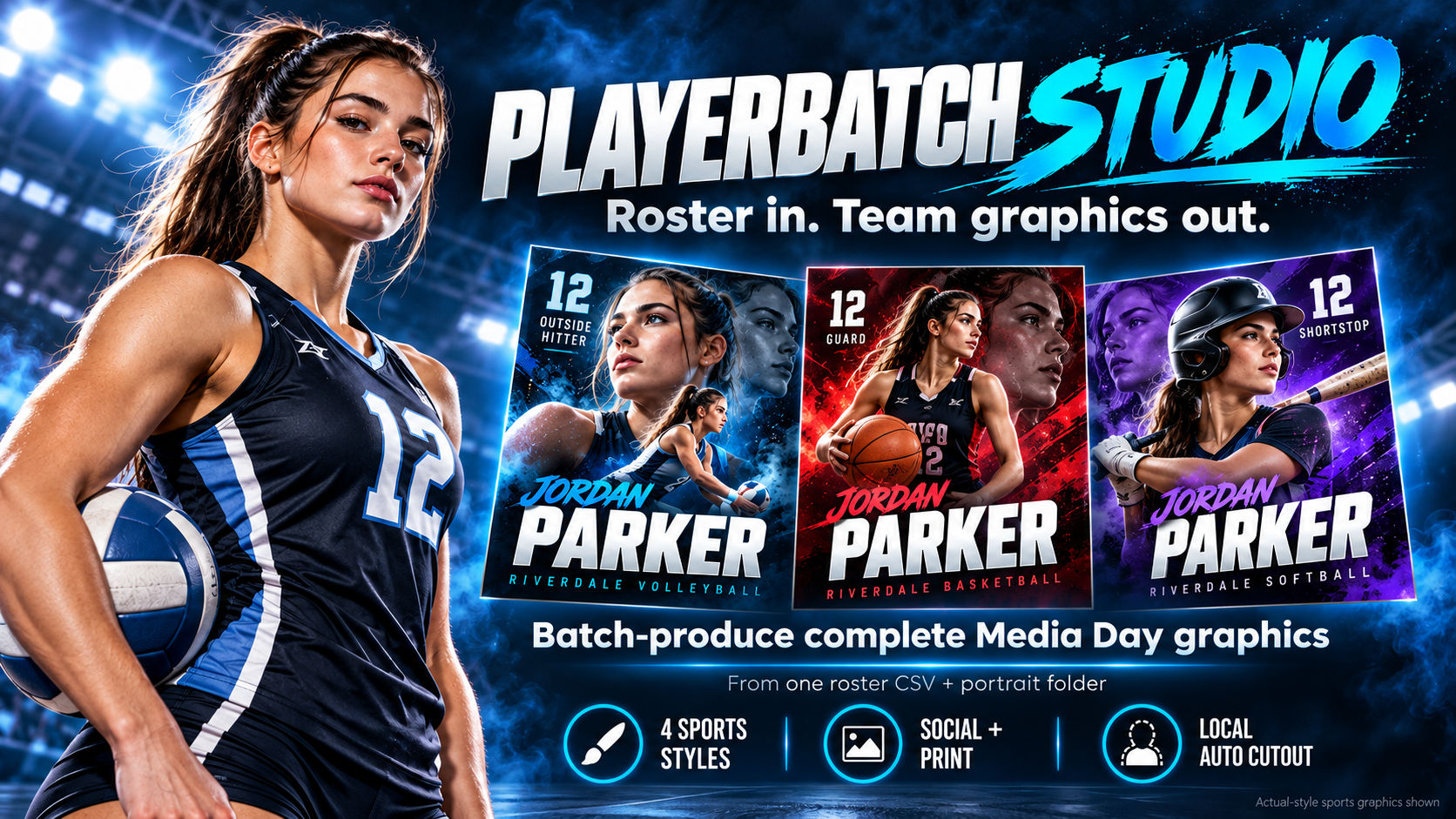
Core requirements for roster-scale production
Portrait-folder matching
Exception review
Automatic background removal
Team-color styling
Social + print exports
Batch ZIP delivery
Local processing matters
For photographers who do not want recurring API costs in the production pipeline, a local Windows workflow can keep the core matching, background-removal, rendering, and export process on the machine.
Templates are not the same as batch production
A template can define the look, but the expensive part of a 30-player job is often repeating the same data entry, image placement, export, naming, and error checking. Batch production targets that repeated work.
PlayerBatch Studio
PlayerBatch Studio accepts a roster CSV and PNG/JPG portraits, matches athletes, flags exceptions, performs local automatic background removal, renders four sports visual systems, and exports social and print PNGs with manifest/failure reporting.
Turn the roster into the finished set
PlayerBatch Studio is a one-time-purchase Windows production tool built around roster-scale sports Media Day work.
Get PlayerBatch StudioSee product detailsInspect the real outputs, then get the current Windows release. One-time purchase, no recurring subscription, no Photoshop required.