Sports Media Day Workflow: From Roster to Team Graphics
A Media Day job becomes expensive in time when the same personalization steps are repeated athlete by athlete. A roster-scale workflow separates repeatable batch work from the few exceptions that actually need attention.
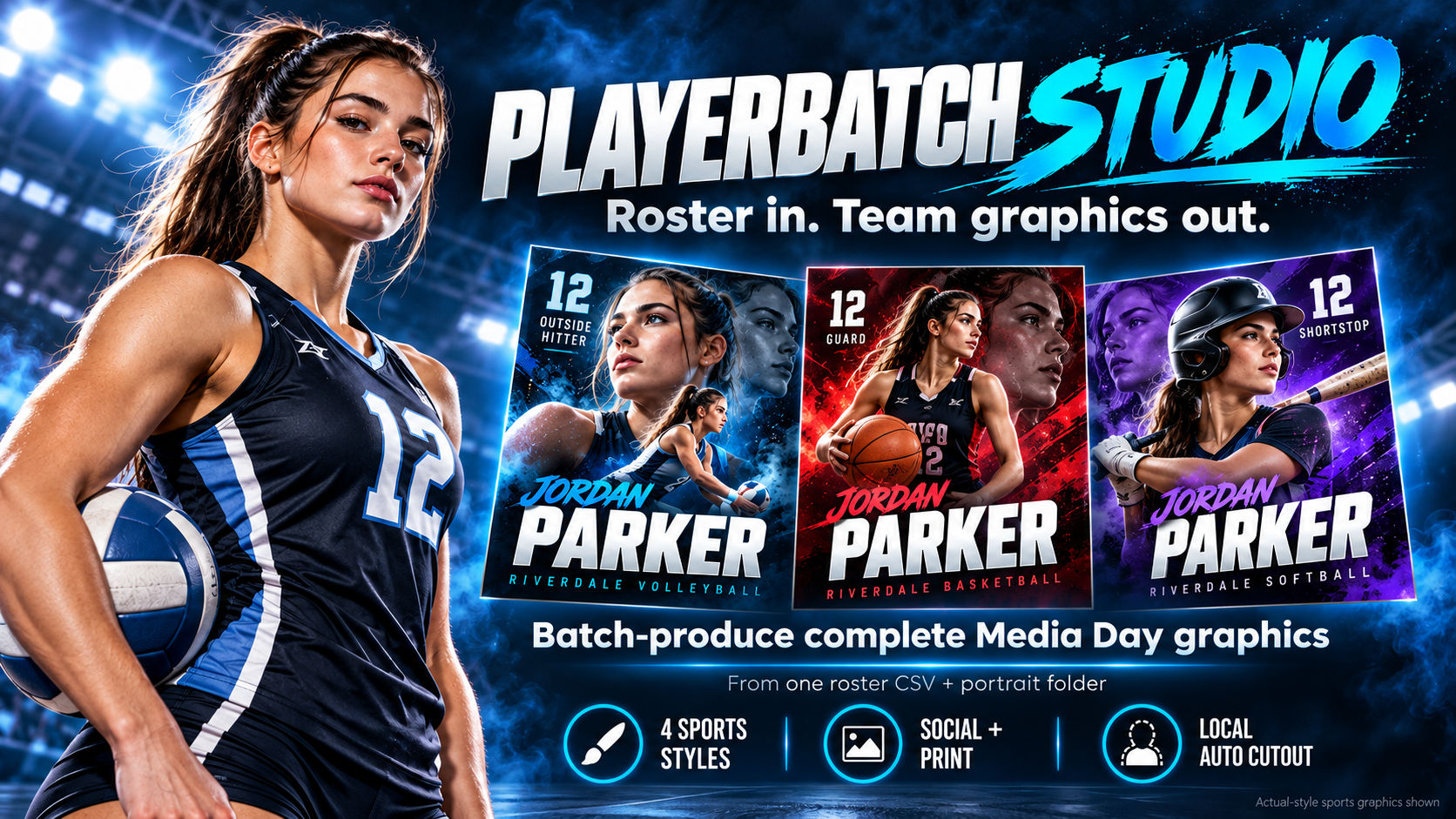
1. Start with a clean roster
Use one CSV with consistent athlete names, numbers, positions, and any team fields you need. Consistent naming reduces manual matching later.
2. Keep portraits in one folder
PNG and JPG portraits can be matched to roster entries. Clean, consistently framed portraits produce the strongest compositing results.
3. Match first, review exceptions second
Instead of manually building every athlete card, auto-match the roster to portraits and focus review on missing photos, duplicate names, long names, or incomplete fields.
4. Remove backgrounds locally
PlayerBatch Studio's current workflow performs automatic local background removal on Windows, avoiding a paid API dependency for the built-in compositing pipeline.
5. Render social and print outputs together
Print: 2400×3000 PNG
Delivery: ZIP plus manifest and failure reporting
Where PlayerBatch Studio fits
PlayerBatch Studio is built for youth, school, club, and team sports photographers who need to turn one roster and portrait folder into a consistent Media Day graphics set without rebuilding the same design dozens of times.
Turn the roster into the finished set
PlayerBatch Studio is a one-time-purchase Windows production tool built around roster-scale sports Media Day work.
Get PlayerBatch StudioSee product detailsInspect the real outputs, then get the current Windows release. One-time purchase, no recurring subscription, no Photoshop required.