Free sample output pack
Inspect four genuine outputs from the current PlayerBatch rendering pipeline and download the same sample roster structure used for product testing. These are not marketing mockups.
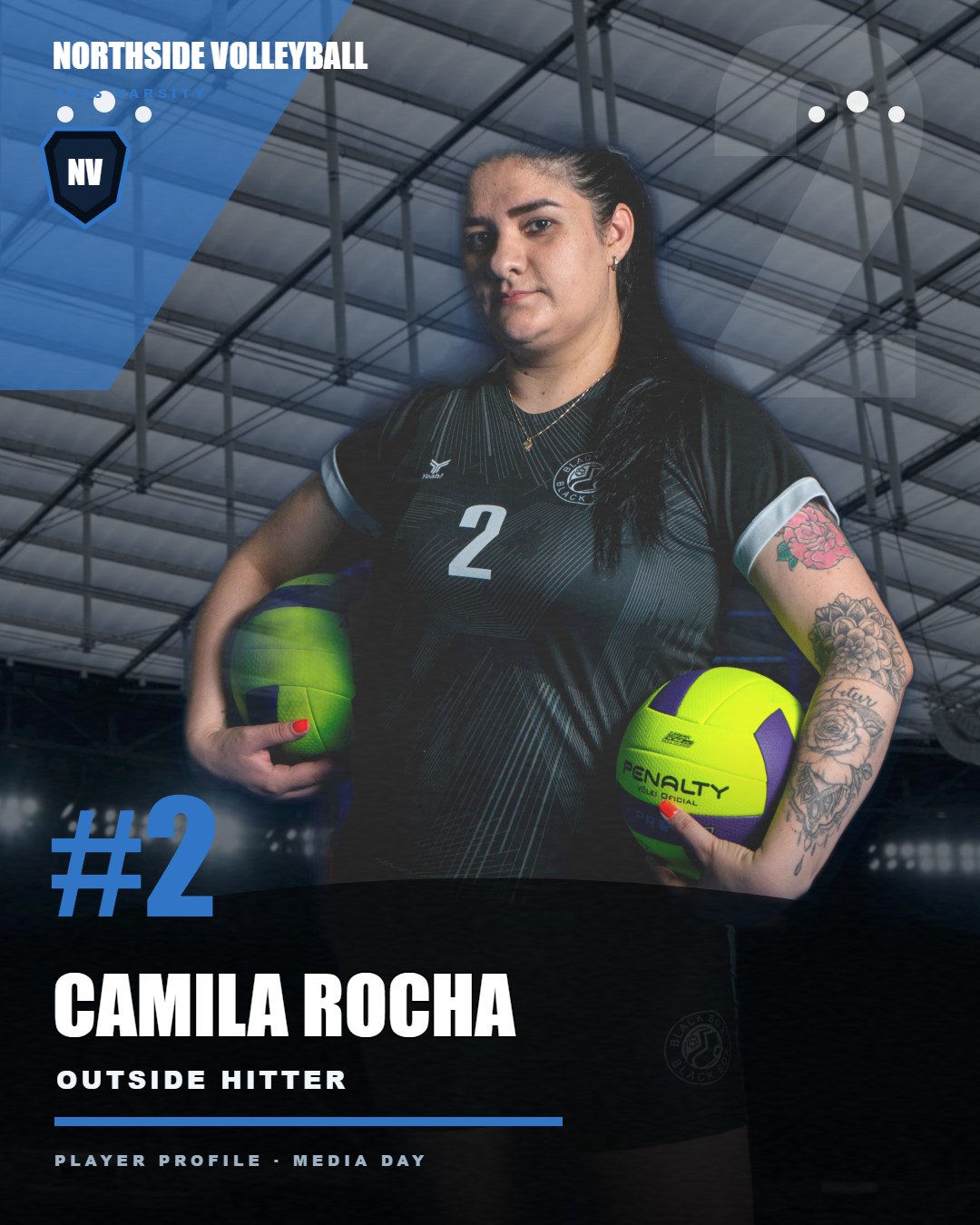
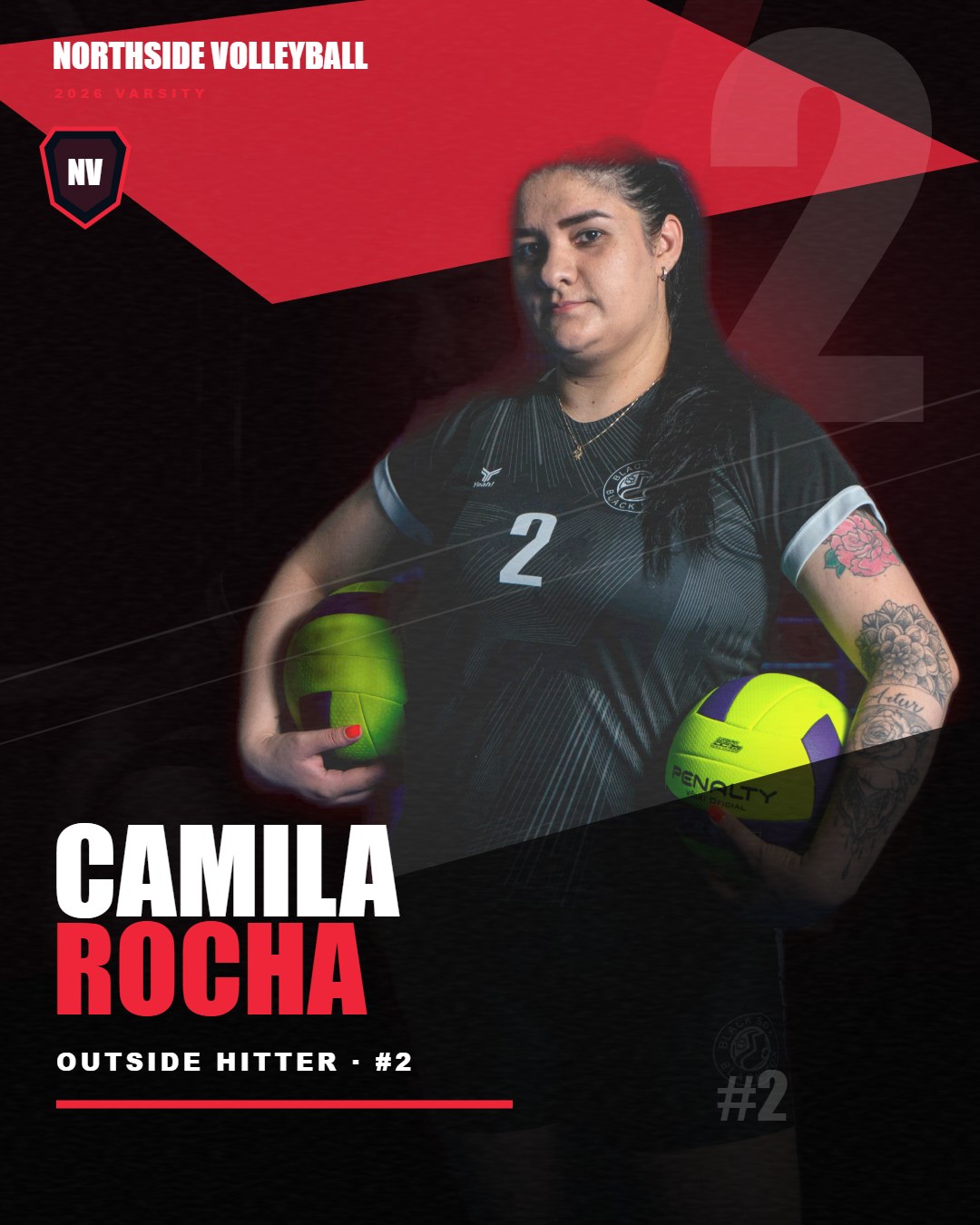
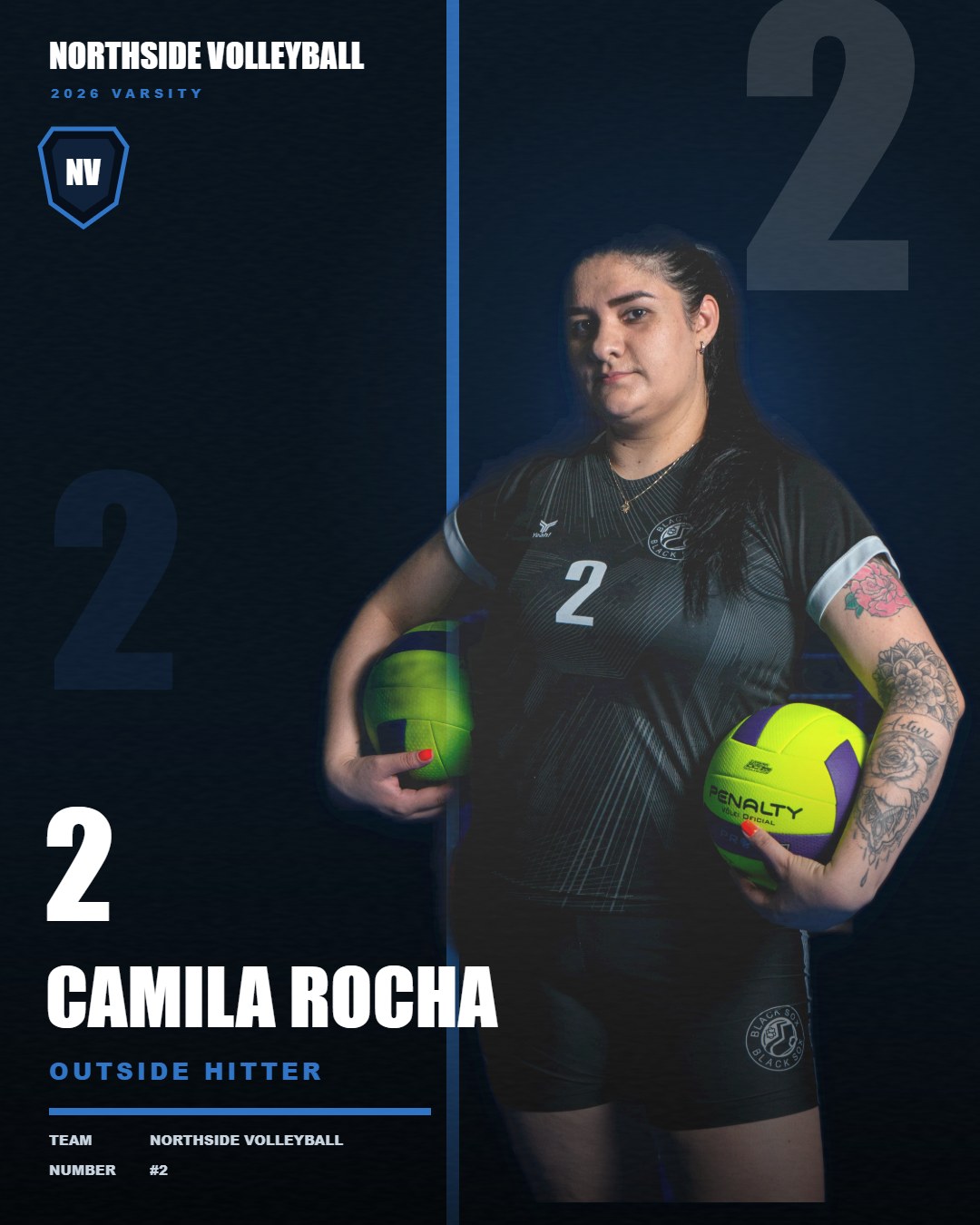
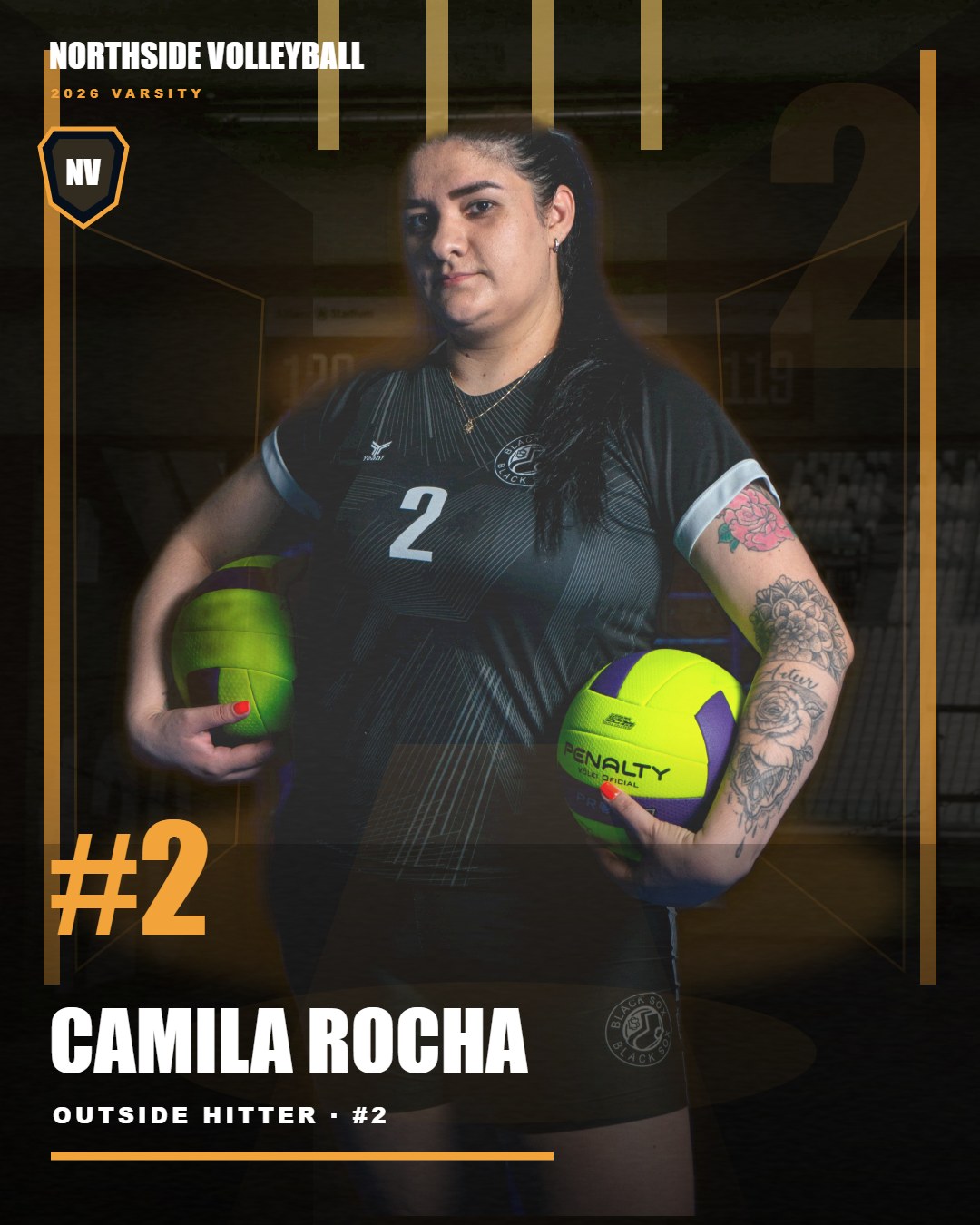
Prefer finished team graphics instead of installing software?
For teams with approved portraits and an existing roster, request a fixed-scope production quote: $99 for up to 20 individual player graphics using one of our existing styles. We confirm fit, schedule and usage permissions before any payment; this is an inquiry, not an instant checkout.
Request a $99 team batch — no charge to inquireInspect the actual PNG export files
These are unmodified PNG exports from PlayerBatch Studio V2.2.2's tested Windows release, not upscaled JPG previews. Open or download the files to inspect their original pixel dimensions.
Download social PNG · 1080×1350Download print-size PNG · 2400×3000
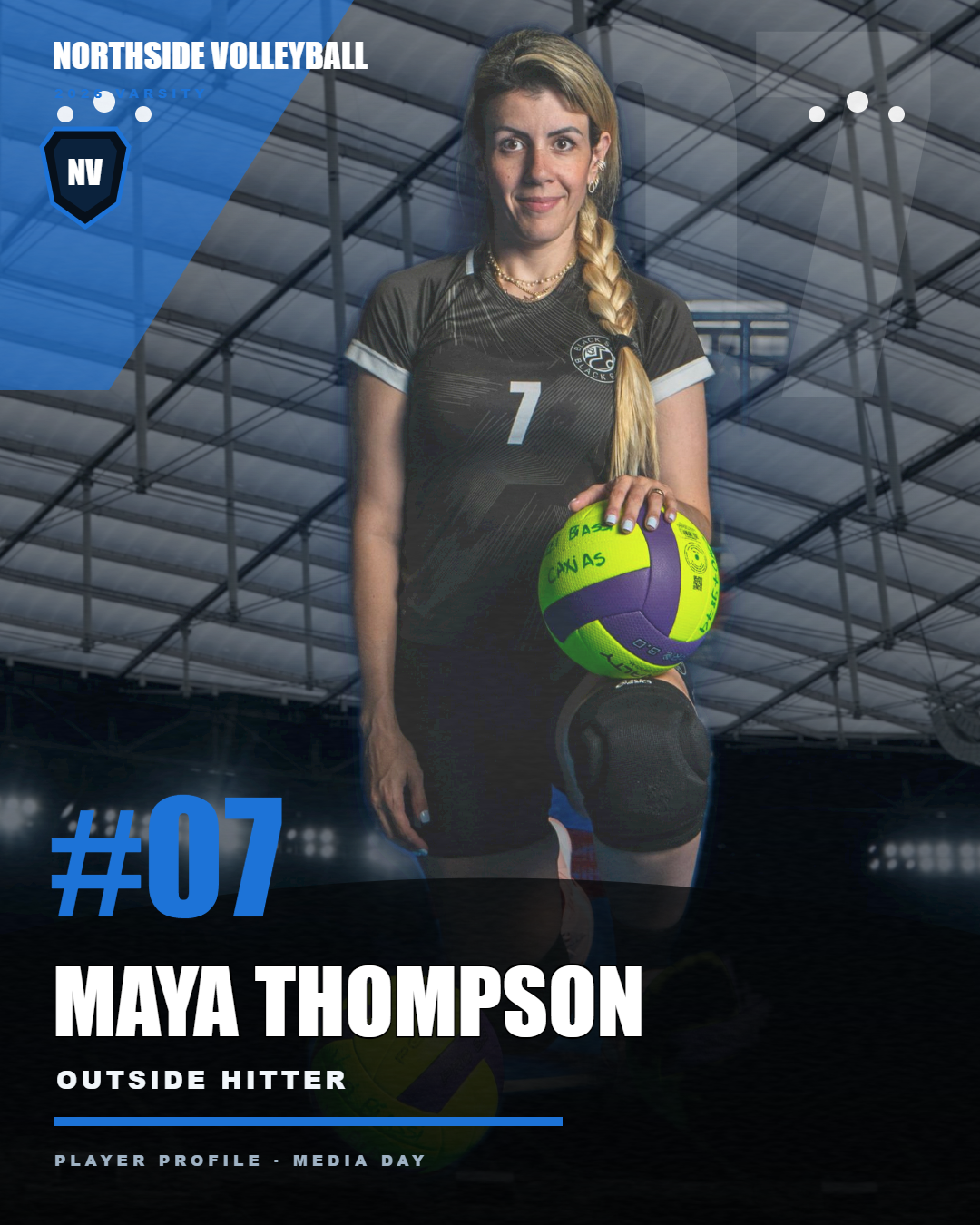
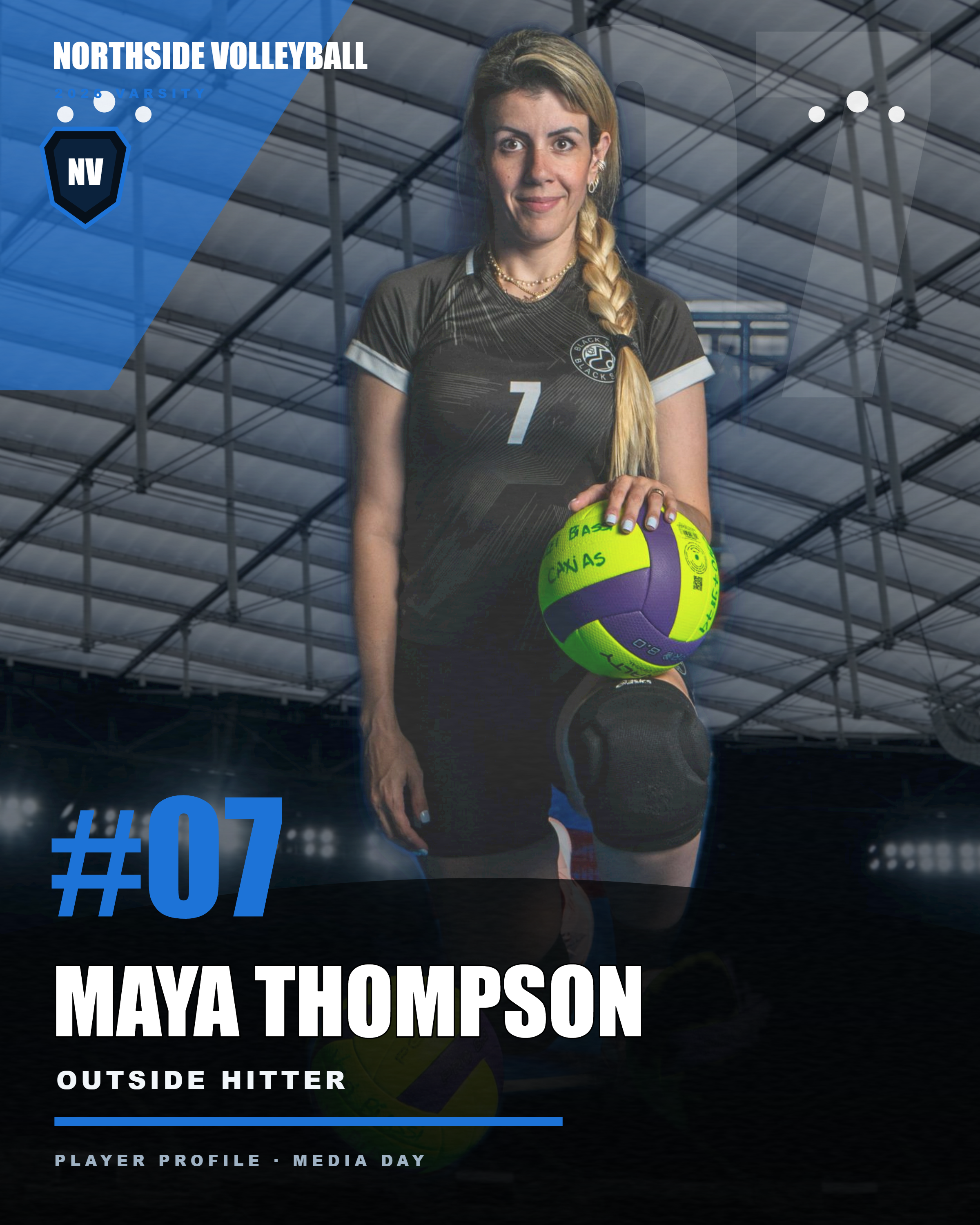
Test disclosure: both files feature the same demonstration portrait from a synthetic QA fixture. They are not samples from a paying customer, a 20-distinct-athlete shoot, or a guarantee of final print quality. Print-size means pixel dimensions; verify your printer's requirements before production.
Try the workflow yourself — watermarked 3-athlete evaluation
On Windows, use your own three permitted JPG/PNG portraits and a 1–3 person roster CSV to test import, matching, cutout review and social/print ZIP export. Exported PNG files are clearly watermarked for preview only, not client delivery. The paid $49 version outputs clean, unmarked files. This is a limited evaluation, not a full-team license.
Download watermarked 3-athlete evaluation ZIP (46 MB)
Requires Microsoft Edge. Extract all files, open START_PLAYERBATCH.cmd, and use the included roster_template_3.csv. Windows may warn about an unfamiliar unsigned application; review the file and its source before running. No Mac version. There is no requirement to share your athlete photos with us.
Prefer an optional email receipt? Claim the same free evaluation via Gumroad for $0 → Gumroad asks for an email and delivers a small TXT file containing the official ZIP link. Enter $0 at checkout. The direct download above requires no email.
Share your self-test result → One optional email; tell us what worked, what failed, and whether it saved hands-on time. Please do not send athlete photos.
Quick start: evaluate with your own 3 athletes
- On a Windows PC with Microsoft Edge, download the free evaluation ZIP above and extract the entire folder.
- Open
START_PLAYERBATCH.cmd, then use the includedroster_template_3.csvwith up to three permitted portrait files. - Review any unmatched names or photos, render the PNG exports, and inspect the watermarks and layout before deciding whether the full-team edition fits.
Do not run an unsigned application if your computer or workplace security policy forbids it. No customer data or athlete images need to be sent to us for this evaluation.
Roster CSV templates: free trial vs. paid team jobs
Free evaluation: Use the included roster_template_3.csv inside the evaluation ZIP. It has three rows; importing the 20-athlete example into the free edition is intentionally blocked.
Paid full-team edition: The following 20-athlete CSV is an example for planning larger jobs, not a ready-to-import free-trial roster.
Download 20-athlete CSV example (full version) Get PlayerBatch Studio — $49 Pay in KRW — ₩69,000Instant download · Current release V2.2.2 · Windows · No recurring subscription · No Photoshop required
Checkout note: local taxes and currency conversion may affect the total. The KRW checkout shows PlayerBatch Studio as the product under our Lemon Squeezy multi-product store name, Korea Search & AI Audit. Please review the total before payment.