Batch Athlete Graphics for Sports Photographers
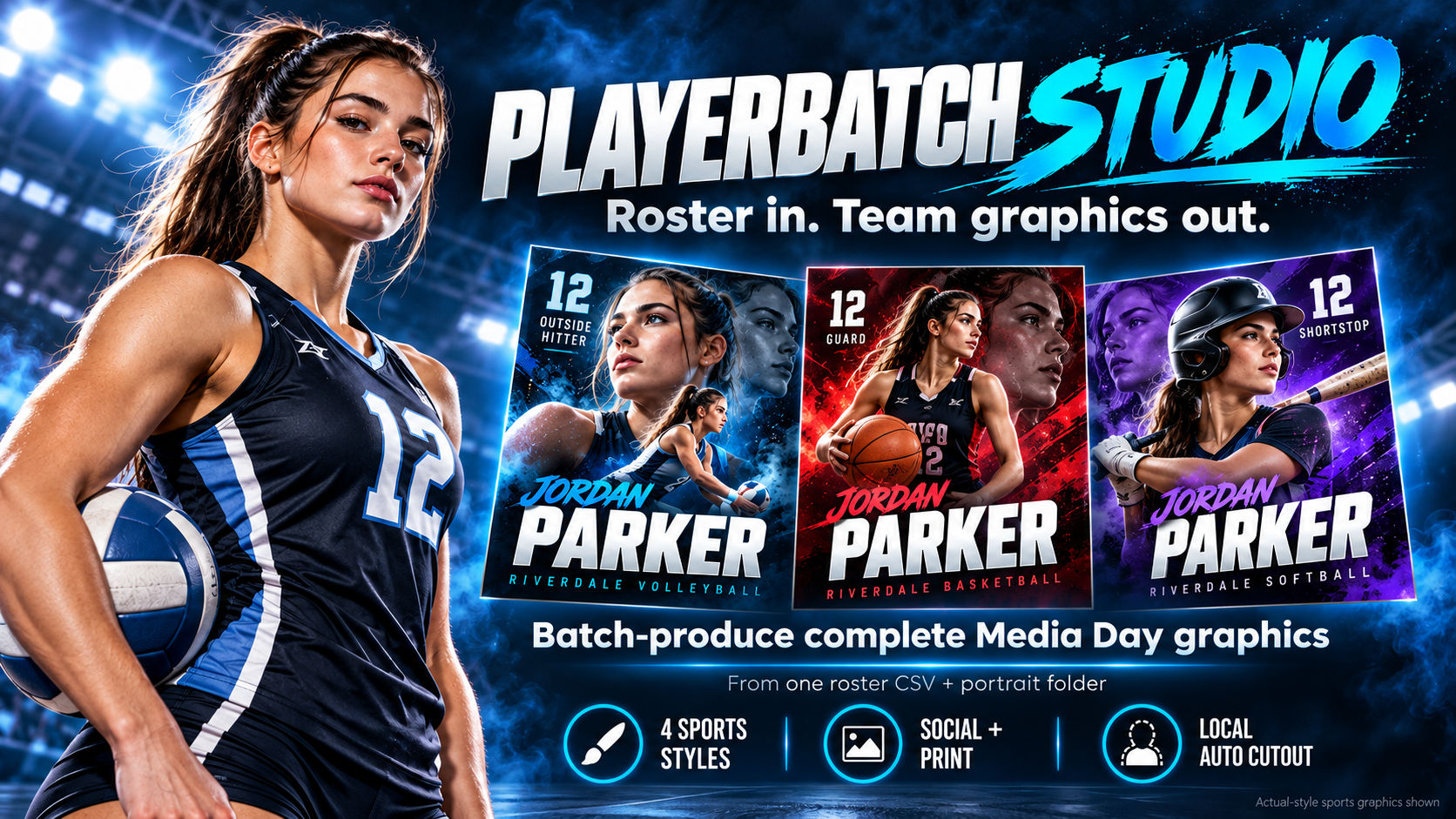
Batch athlete graphics are useful when the design system is consistent but the athlete identity, name, number, position, and portrait change across an entire roster.
What should be batched?
Roster-to-portrait matching, repeated layout population, local background removal, standard exports, file naming, manifests, and failure reporting are good candidates for batch production.
What still deserves human review?
Missing portraits, duplicate names, unusually long text, incomplete roster fields, and visual exceptions should be surfaced for review instead of hidden inside an automated run.
Why social + print should be one workflow
Producing both 1080×1350 social PNGs and 2400×3000 print PNGs from the same athlete data reduces duplicate setup work and helps keep the team set consistent.
Four visual systems, one roster
The current PlayerBatch Studio release includes four built-in sports visual systems, so a photographer can change the visual treatment without recreating the athlete data workflow.
Turn the roster into the finished set
PlayerBatch Studio is a one-time-purchase Windows production tool built around roster-scale sports Media Day work.
Get PlayerBatch StudioSee product detailsInspect the real outputs, then get the current Windows release. One-time purchase, no recurring subscription, no Photoshop required.